Sawmill's reports are live — you can zoom in, re-sort the data, and much more, in real time
Most log analysis tools generate "static" reports —
they run once, create a bunch of report files, and they're done. Sawmill
works very differently — every report it generates is "live," which
means you can click on things to regenerate the report, or to generate
other reports, in real time. For instance, you can click on a month to
zoom in and see the days of the month, or you choose an item from the
Show menu to show an extra column in the table. Whatever you click,
Sawmill will generate a new report for you in a few seconds. This gives
Sawmill's reports a flexibility and power that other tools can't touch.
The image below is part of a normal statistics page (the bottom
part — it starts at row 13 of the table). See how the 13th row of the
table has a link? You can click on it to see more information about
referring URLs in the www.yahoo.co.uk domain. If 20 rows isn't enough,
or if it's too much, you can change the number of rows immediately by
clicking "show more rows," "show fewer rows," or "show all rows." The
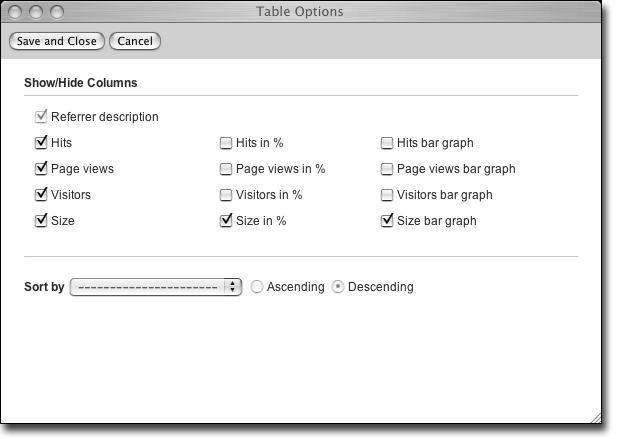
menus at the bottom (shown open here for illustration, but normally
closed unless you click them) let you show or hide a wide range of
statistics elements. For instance, if you want to see the percentage of
page views that each item in the table got, you can just choose that
from the Show menu — the report will refresh and you'll have a new
column in the table. Or if you want to sort the table by bandwidth
instead of by hits, just choose "by bandwidth" from the sort menu, and
the table will resort itself immediately. Don't like those numbers to
the left of the rows? Choose "row numbers" from the Hide menu and
they'll go away. Sawmill lets you change all of these things on the fly,
and much more — other tools make you recompute your whole dataset if you
want to change anything.